Technical insight
Multi-Stage Rotor Simulation Review: What a Screenshot Does Not Establish
A machining simulation screenshot is evidence of a view, not a complete record of what was checked. Before approving a multi-stage rotor manufacturing route, request a simulation scope statement identifying the model revision, represented setup, checks performed and unresolved exceptions. The purchasing decision is whether that evidence answers the agreed review question—not whether the animation looks convincing.
By Geetai Precision
- Published
- Updated
Before approving the quotation
A machining simulation screenshot is evidence of a view, not a complete record of what was checked. Before approving a multi-stage rotor manufacturing route, request a simulation scope statement identifying the model revision, represented setup, checks performed and unresolved exceptions. The purchasing decision is whether that evidence answers the agreed review question—not whether the animation looks convincing.
Establish the question being reviewed
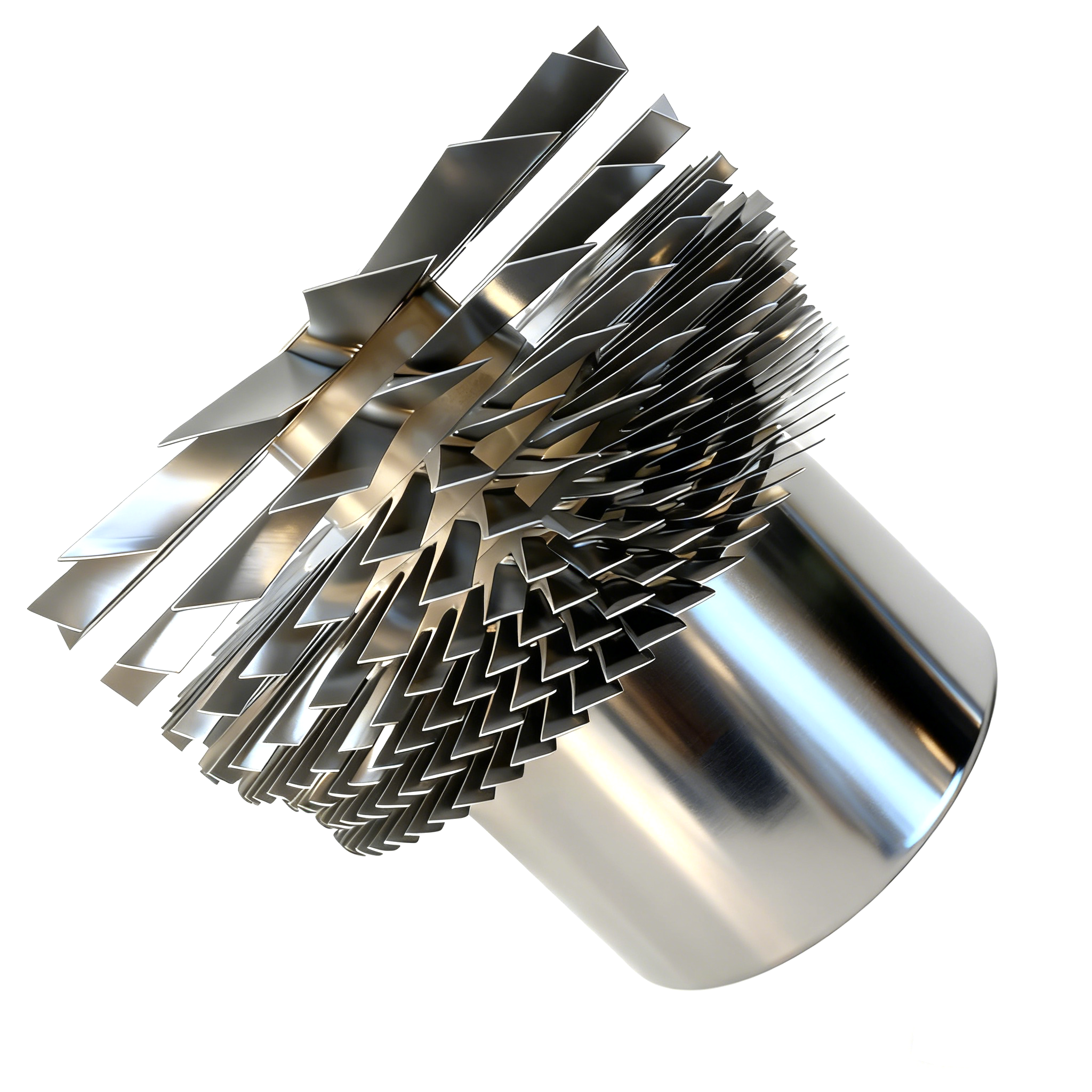
Sandvik Coromant's profile-milling guidance asks planners to examine minimum radii, cavity depth, tool setup and workpiece clamping. It also identifies vibration as a concern when milling deep profiles with long overhangs. These are general process considerations, not verified properties of the pictured rotor. [1]
These considerations explain why a buyer should ask what the simulation is intended to assess. Is the submitted evidence an initial toolpath illustration, a stock-removal review, or a check using the proposed machine and setup? Record the stated purpose before reviewing the results. For the broader machining context, use the existing five-axis rotor manufacturing guide; this article concentrates on the evidence accompanying a simulation.
Ask what the simulation actually contains
Autodesk distinguishes simulation without a machine from simulation with a machine. Its documentation warns that movements between toolpath points can be represented incorrectly without the machine, and describes machine simulation as more representative for milling setups. [2]
Therefore, ask for a short scope statement alongside any simulation screenshot. Which machine configuration, stock, fixture and tool assembly were represented? Was the review limited to a toolpath, or did it include the planned setup? What remains outside that review? A screenshot without this context is insufficient for purchasing approval. Simulation is also not a substitute for the supplier's machining validation, inspection plan or the equipment owner's safety approval.
A buyer's simulation-evidence worksheet
Use the following as a suggested discussion aid, not a standard-mandated procedure.
| Review item | Evidence to request | Decision if missing |
|---|---|---|
| Geometry identity | Drawing/model revision and simulation run identifier | Reconcile the input before accepting the result |
| Machine configuration | The configuration represented, or a statement that none was included | Keep the conclusion limited to the declared simulation mode |
| Tool, stock and fixture | Included representations and any simplified or omitted elements | List the exclusions instead of inferring complete coverage |
| Checks performed | Reported checks, settings and issue list for the submitted run | Ask what a statement such as “passed” actually covers |
| Exception closure | Disposition, responsible approver and evidence of a repeat check where required | Keep affected approval conditional |
| Subsequent change | Identification of which changed inputs require another review | Do not reuse an old result for a different setup without assessment |
Treat changes as a new evidence question
Suppose a reviewed simulation references one holder, but the proposed manufacturing setup later names another. Do not assume the earlier result still answers the same question. Ask the supplier to assess the change, identify any checks to repeat, and return a record linked to the revised setup. This is a hypothetical review example, not a claim about a completed Geetai project.
For each unresolved item, distinguish information missing from the evidence package from an actual reported machining issue. The former may need a fuller record; the latter needs a technical disposition. Have the responsible technical reviewer decide whether additional analysis, a changed route or design-owner approval is required. A purchasing sign-off should not silently resolve a technical exception.
Define a useful approval record
Use a short cover sheet listing the evidence reviewed, its intended purpose, accepted conclusions and exclusions. Keep the original issue list rather than accepting only a final green screenshot. Ask who approved the disposition and which revision it covers. This editorial recommendation is not a prescribed software validation method or a claim that simulation proves part quality.
Separate this record from first-article dimensional acceptance, balancing and equipment operating approval. Those are different deliverables. Neither a simulated toolpath nor the supplied image establishes that the rotor is safe to run.
What to send Geetai
For a turbomolecular pump rotor machining review, send the approved geometry, revision, required surfaces and known access concerns.
Machining envelope and tolerance capability are confirmed after drawing review.
Geetai coordinates drawing-led manufacturing through long-term partners without presenting partner facilities as Geetai-owned.
Use the rotor RFQ checklist to complete the commercial package. Include the simulation evidence requirement only where it belongs in the agreed scope; do not treat it as a substitute for approved geometry and acceptance documents.
Related review paths
More from Blog
References
- Profile milling — Sandvik Coromant. Accessed 2026-09-27T04:54:04.000Z.
- Simulating without a machine — Autodesk. Accessed 2026-09-27T04:54:04.000Z.